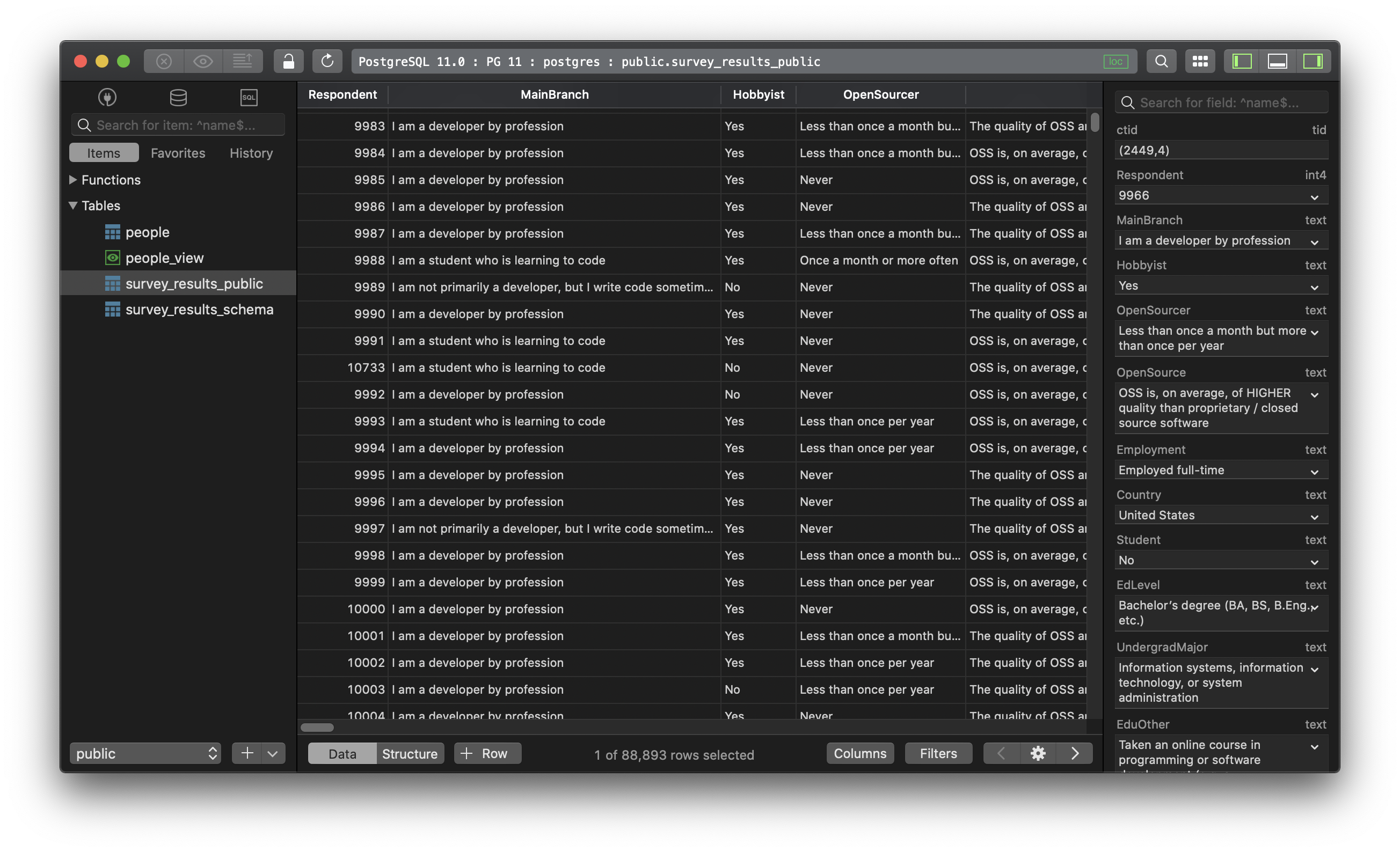
PostgreSQL - How to duplicate a database?
Duplicate a database in PostgreSQL
1. Using SQL query
To copy an entire database and create another one on the server, use this query:
CREATE DATABASE new_database_name WITH TEMPLATE original_database_name OWNER username;
If the original database is being used by another user, use this query to kill all existing connections first:
SELECT pg_terminate_backend(pg_stat_activity.pid)
FROM pg_stat_activity
WHERE pg_stat_activity.datname = 'originaldb'
AND pid <> pg_backend_pid();
Then you can copy the database.
2. Using psql
While using psql, run this commmand:
createdb -O username -T original_database_name new_database_name
3. Using TablePlus
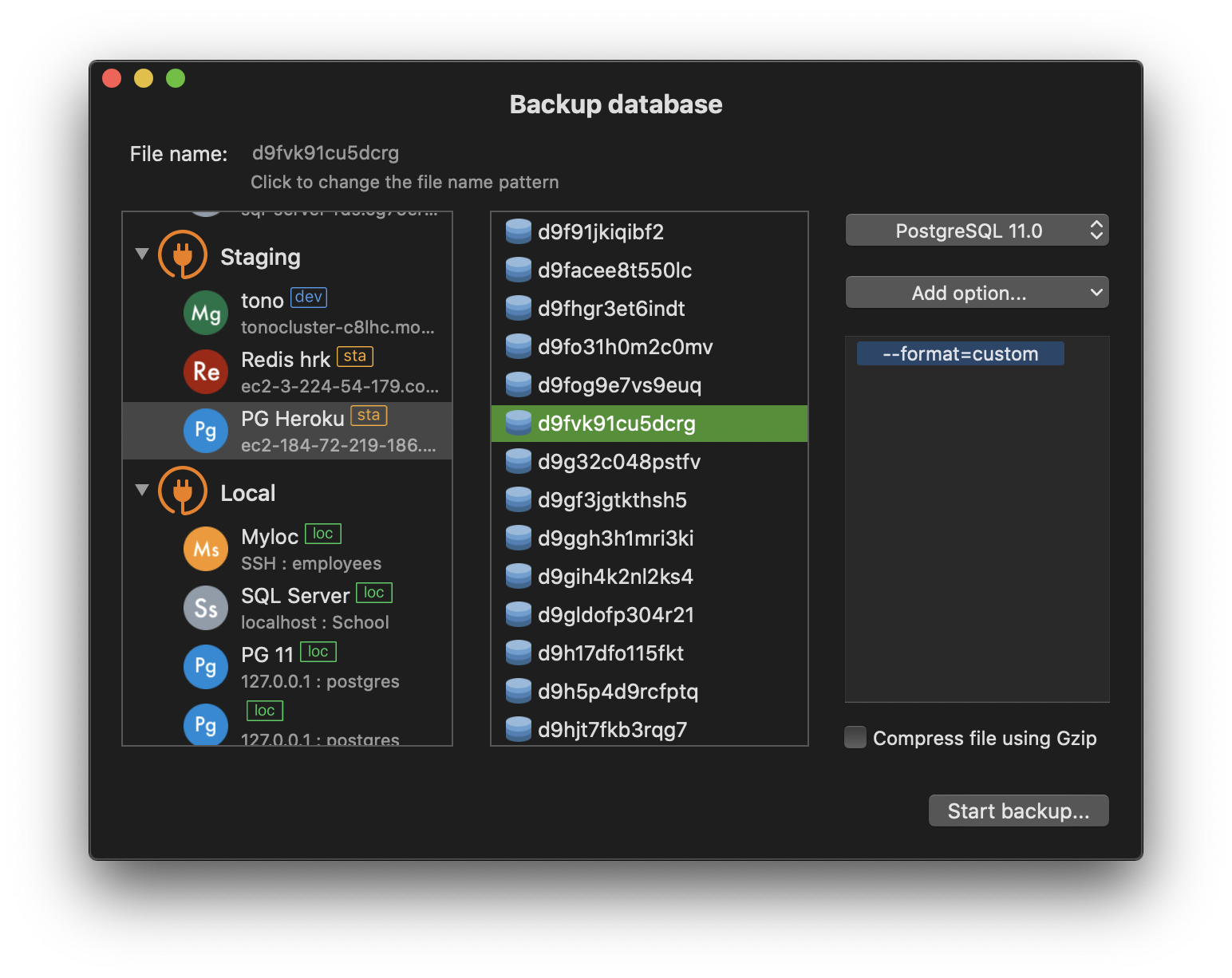
You can use the backup and restore feature from TablePlus GUI Tool to duplicate a PostgreSQL database:
Backup Data
- From welcome screen, click on the Back button
- Choose your connection and database, and hit
Start Backup...
TablePlus will export a .dump file for you to save on your computer.
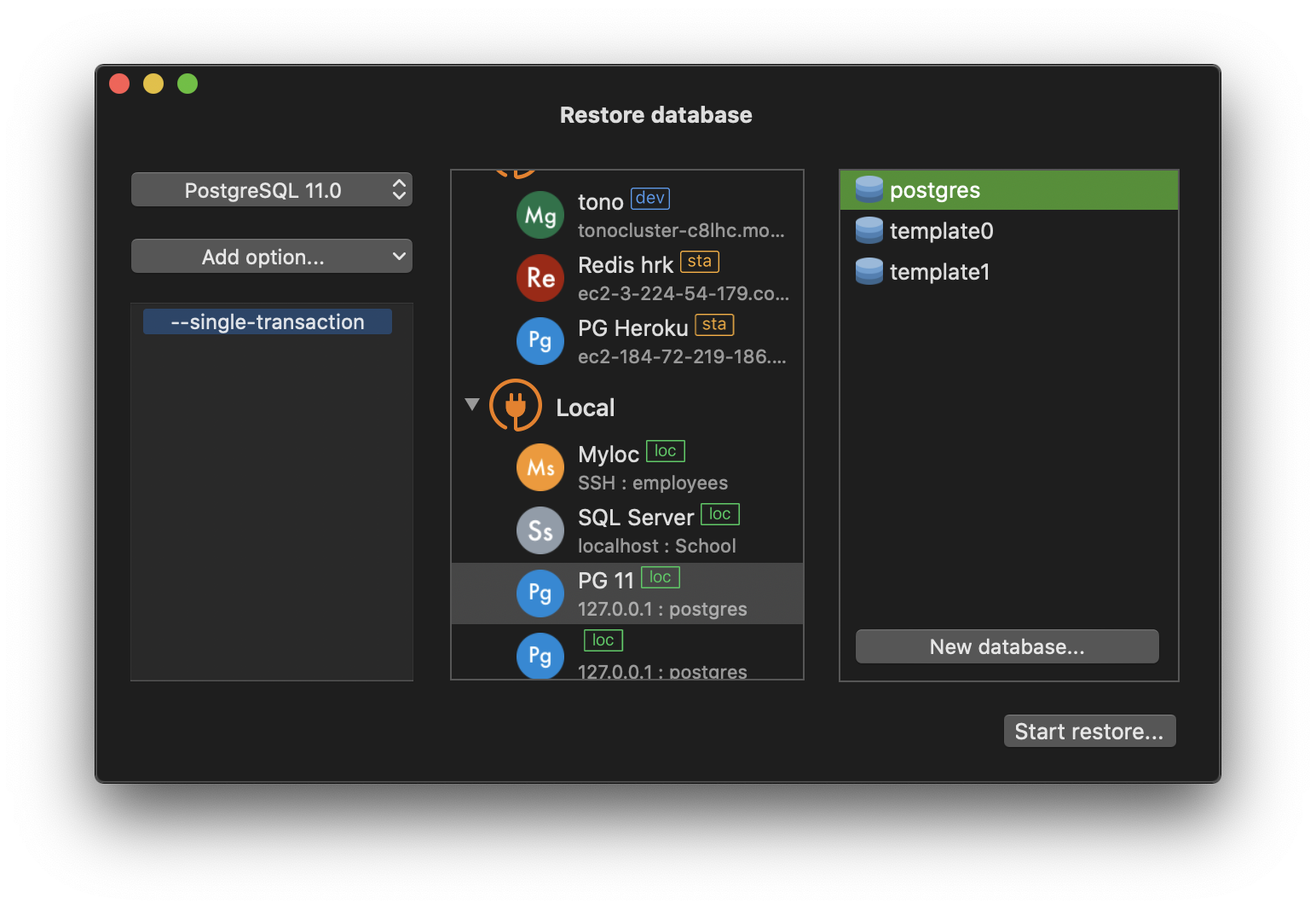
Restore Data
- From welcome screen, click on the Restore button
- Choose your dumb file, choose connection and database, then hit
Start Restore....
TablePlus will import data from the dumb file to your selected database. You can import the dump file into an existing database or create a new database from this window.
Need a good GUI Tool for PostgreSQL? Check out TablePlus, the tool of choice for managing relational databases. Native, beautiful, and free.
Start using TablePlus today: Download TablePlus for macOS
Not on Mac? Download TablePlus for Windows.
On Linux? Download TablePlus for Linux
Need a quick edit on the go? Download TablePlus for iOS