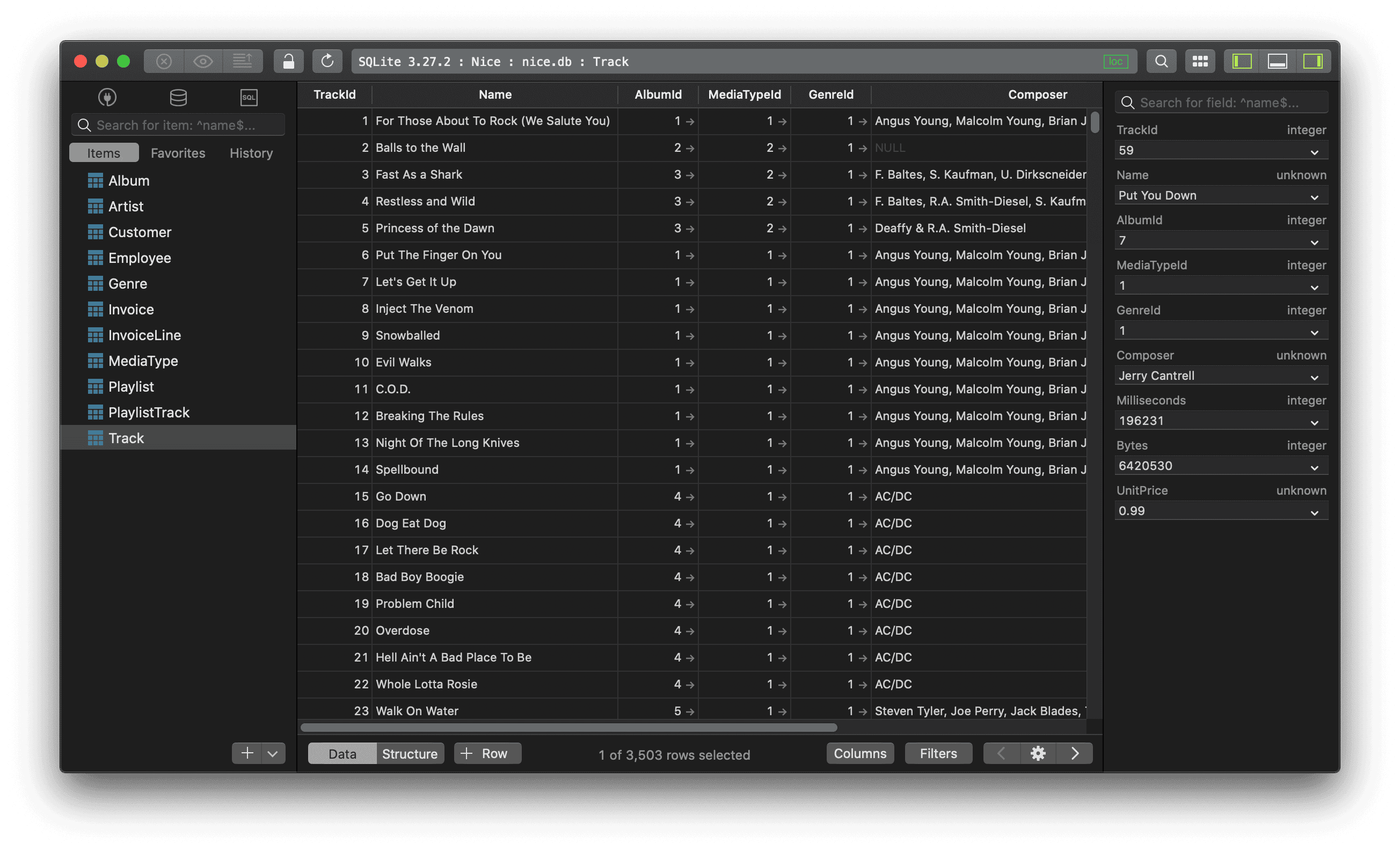
How to delete all records in a SQLite table?
1. Using Query
In SQLite, the TRUNCATE TABLE command is not supported but you can use SQLite DELETE command to delete complete data from an existing table, though it is recommended to use DROP TABLE command to drop the complete table and re-create it once again.
Run this DELETE command:
DELETE FROM table_name;
2. Using TablePlus GUI
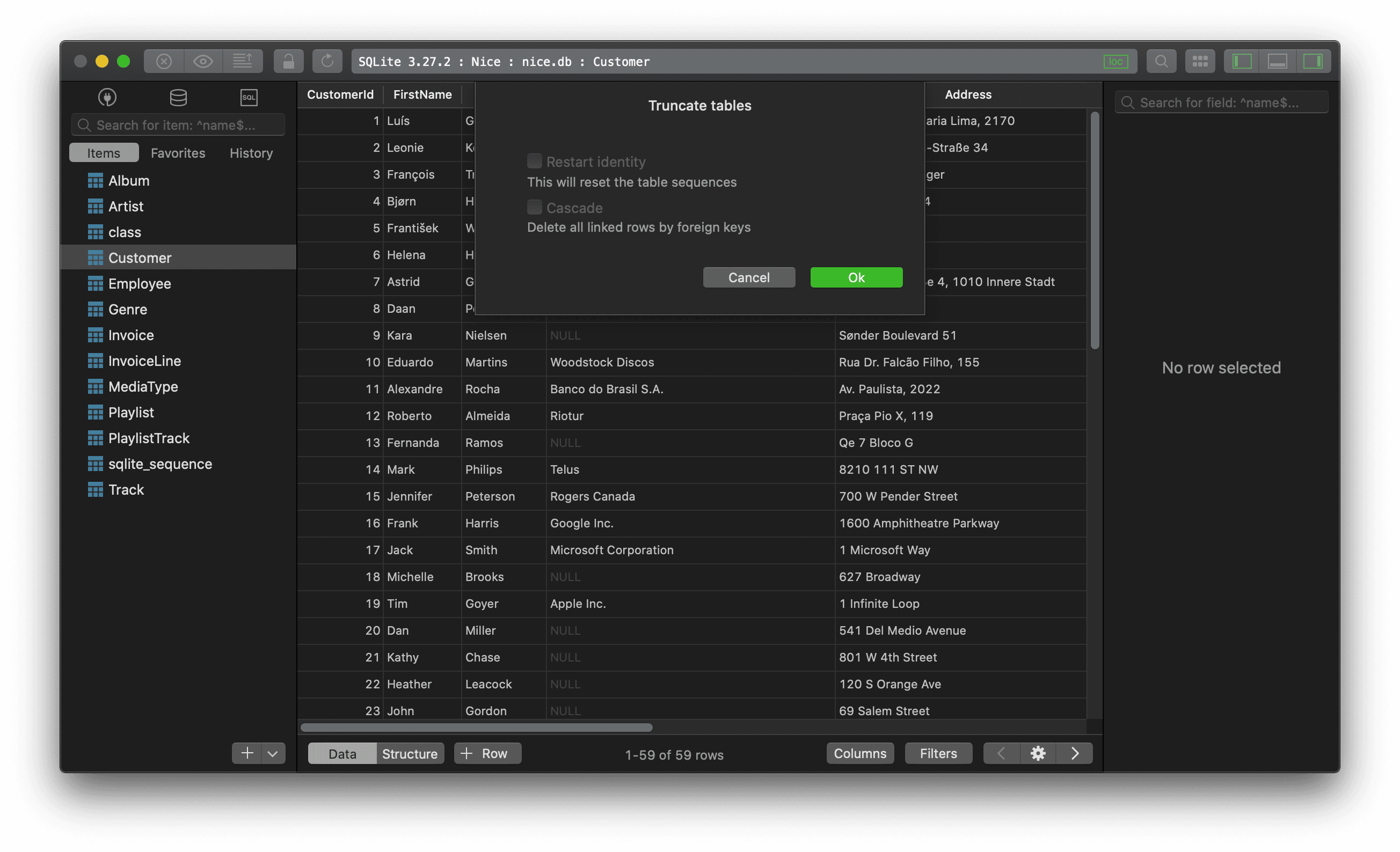
In TablePlus, you can delete all records from a SQLite table by right-clicking on the table name on the left sidebar, choose Truncate... > OK to delete all rows, then press Cmd + S to commit.
Need a good GUI tool for SQLite? Check out TablePlus. It's native, beautiful, and available for free.
Not on Mac? Download TablePlus for Windows.
On Linux? Download TablePlus for Linux
Need a quick edit on the go? Download TablePlus for iOS