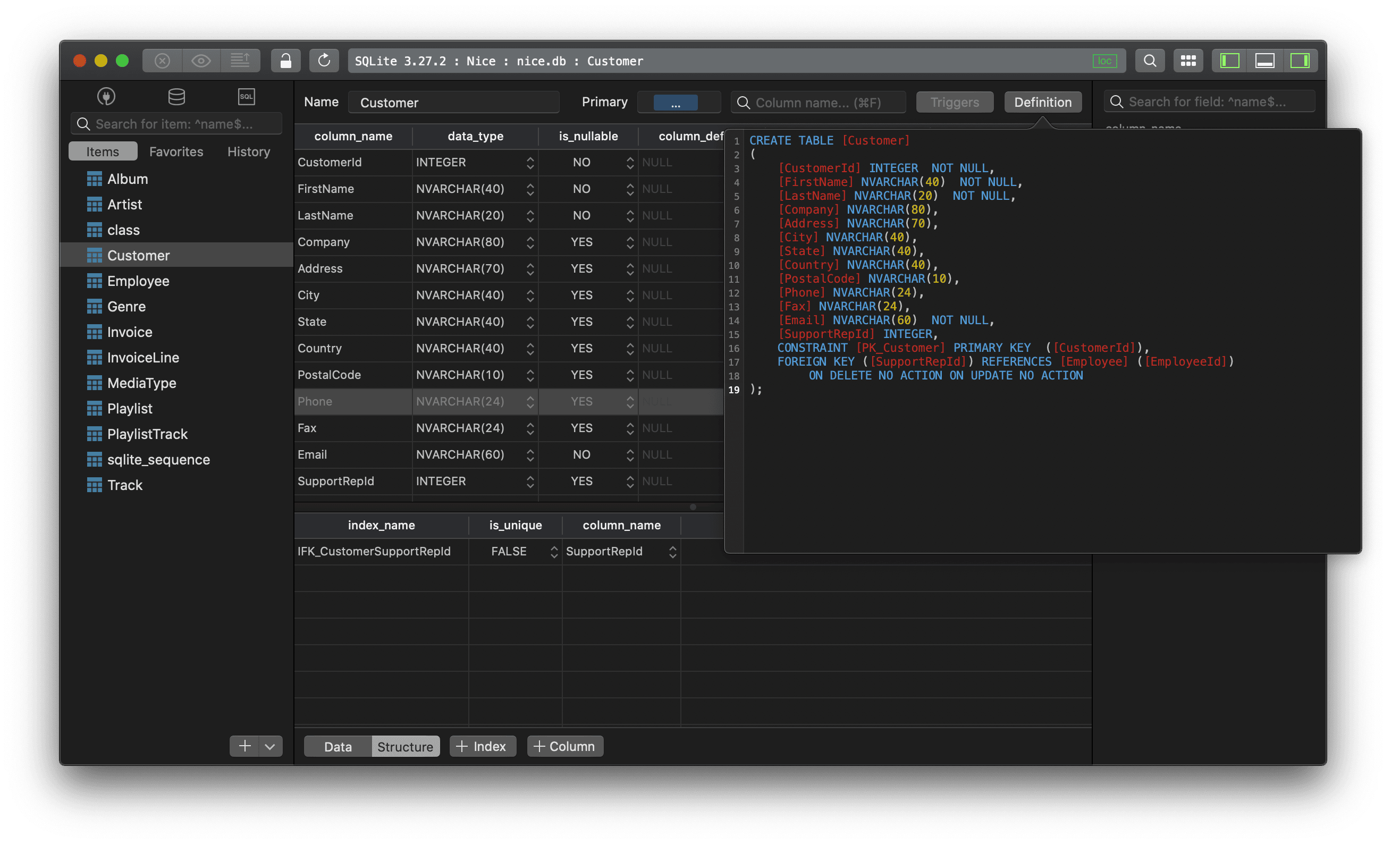
To export SQLite data to a csv file:
Using sqlite3 command-line tool
Run this command:
sqlite> .mode csv
sqlite> .output file_name.csv
sqlite> select * from table_name;
sqlite> .output stdout
You probably need to export the header of the results too, so don't forget to turn on the header before exporting:
sqlite> .headers on
Using TablePlus GUI tool
You can also export an entire SQLite table or a set of query results from its table view:
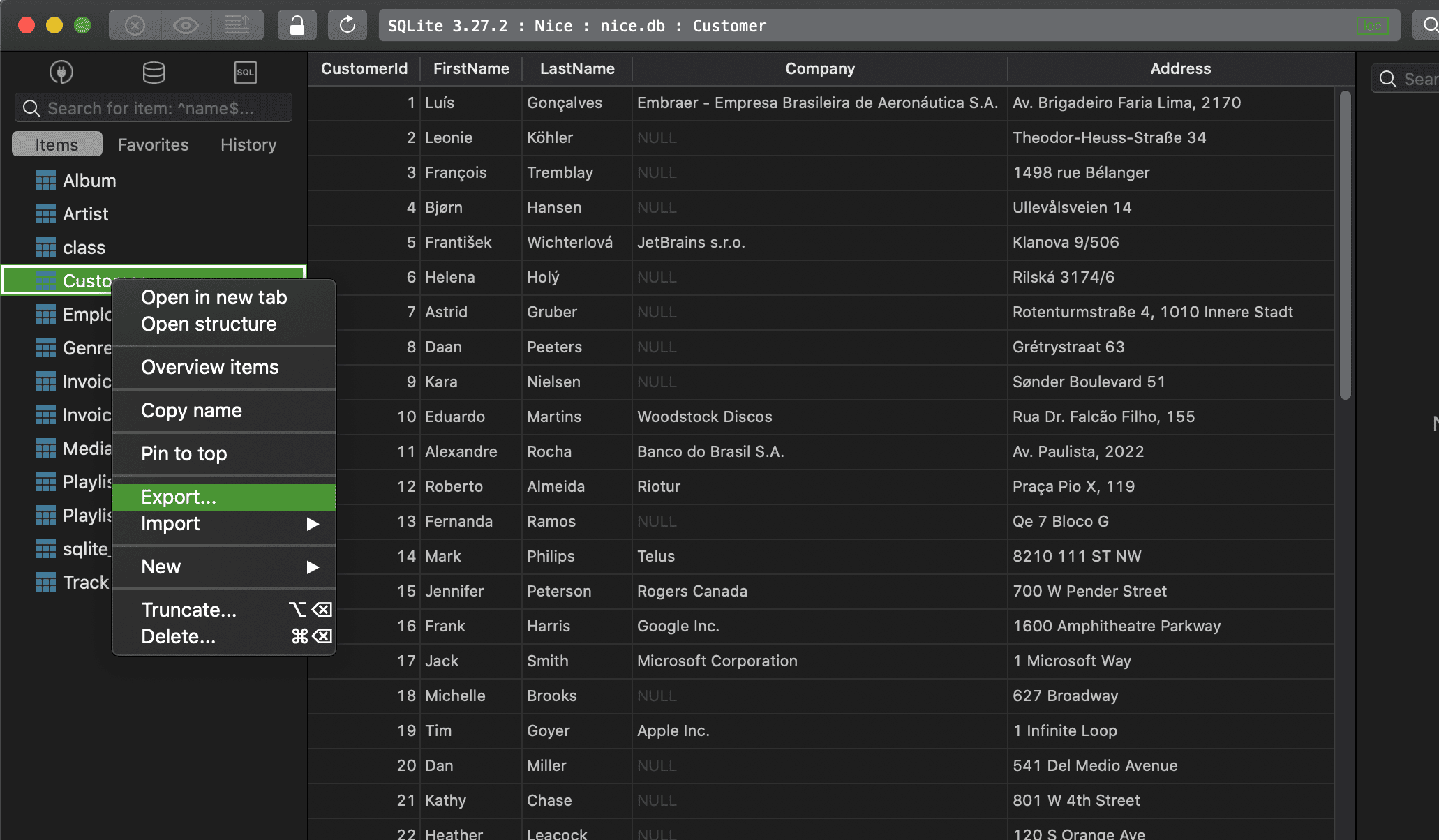
To export the whole table:
- Right click on the table name from the left sidebar
- Choose Export > Export Tables...
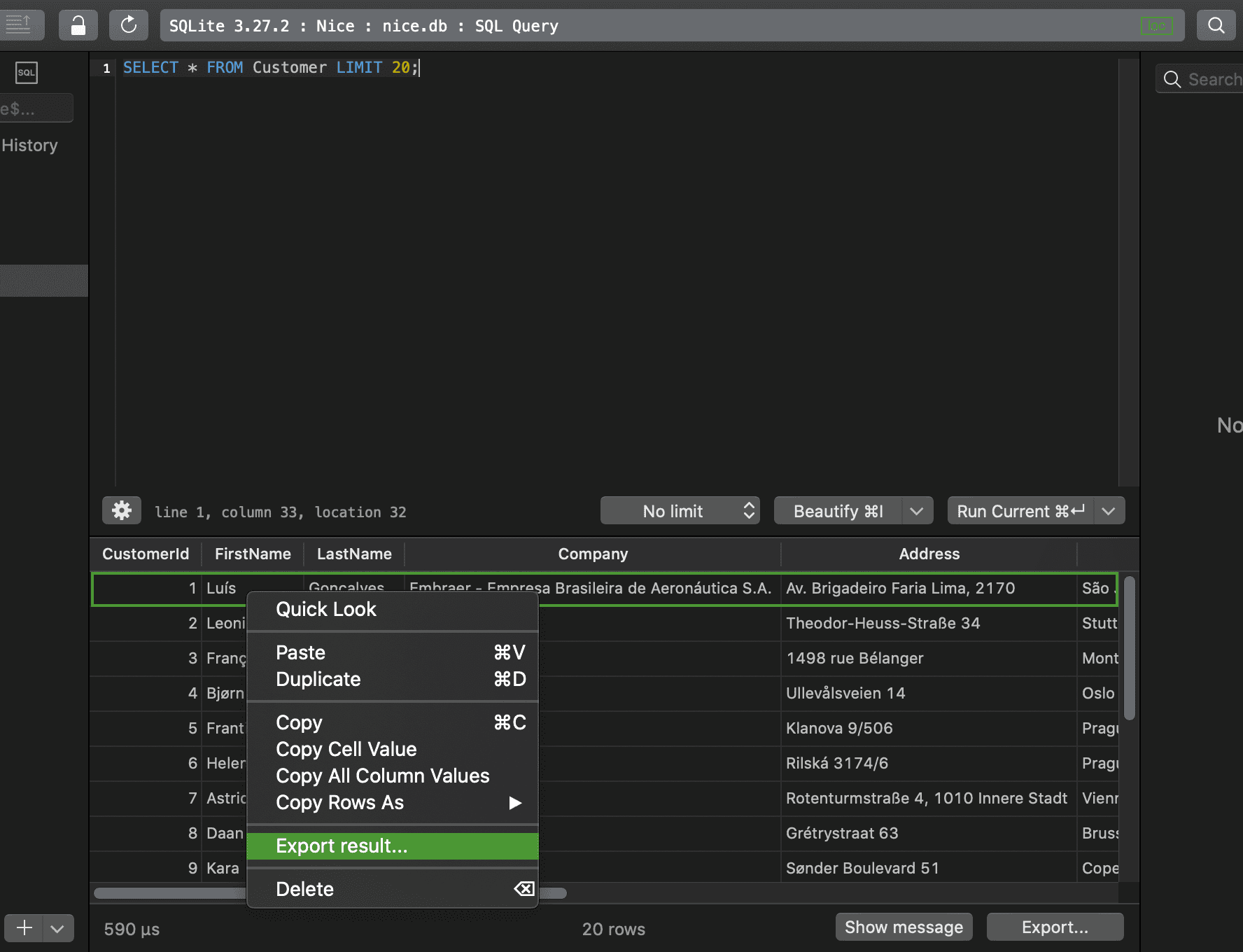
To export a set of query results:
- Execute the query
- Right click on the result and choose Export result..., or click on the Export... button at the bottom right
New to TablePlus? It's a GUI client for multiple relational databases. It's native, beautiful, and available for free.
Not on Mac? Download TablePlus for Windows.
On Linux? Download TablePlus for Linux
Need a quick edit on the go? Download TablePlus for iOS.