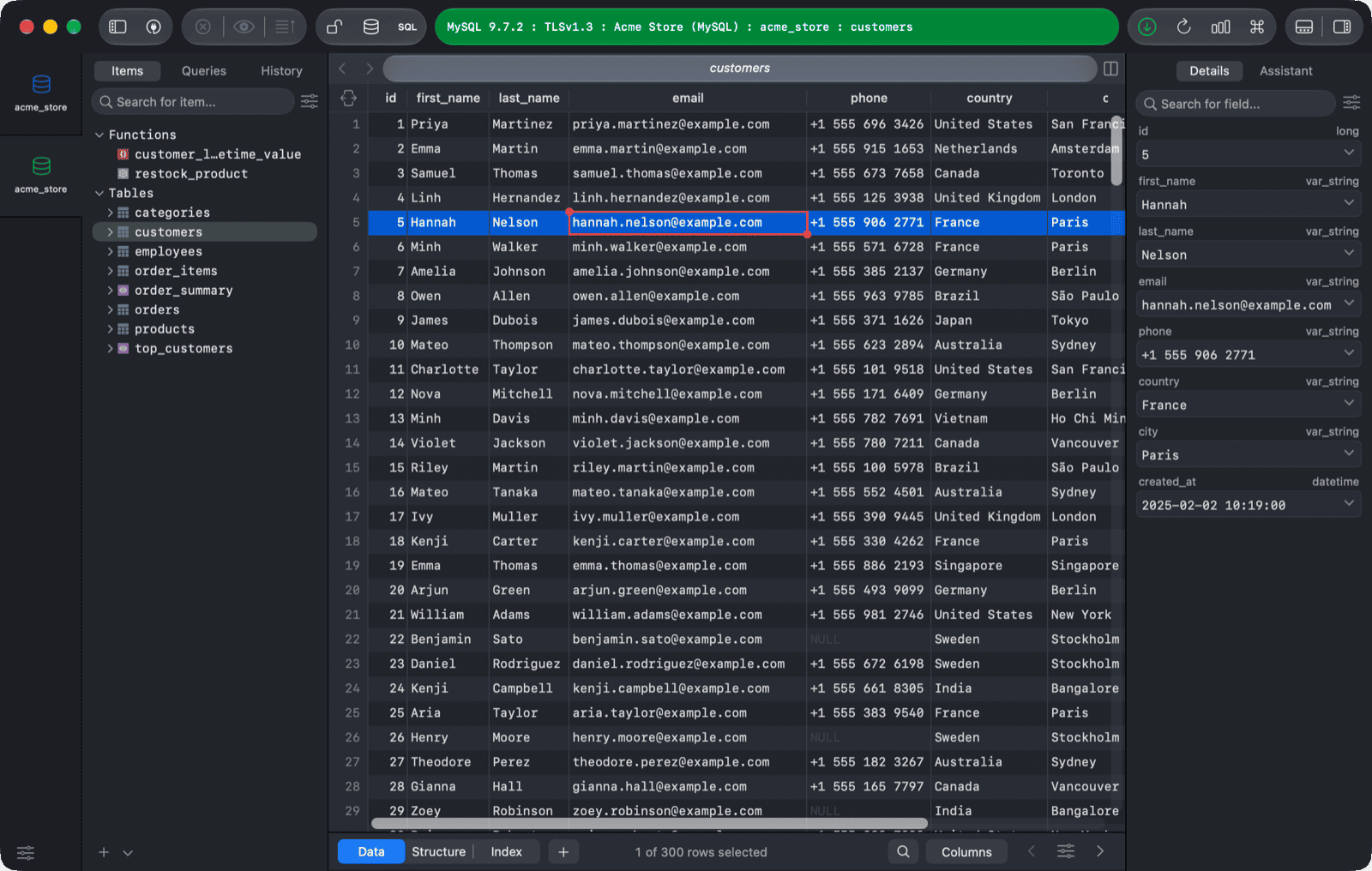
1. Using mysqlimport from the command line
mysqlimport -h host_name -u user_name -p --ignore-lines=1 --fields-terminated-by=, db_name /path/to/file.csv
Read more of the syntax from the documentation.
2. Using SQL query
LOAD DATA INFILE 'path/to/file.csv'
INTO TABLE table_name
FIELDS TERMINATED BY ','
ENCLOSED BY '"'
LINES TERMINATED BY '\n'
IGNORE 1 ROWS;
If it's a local file, use LOAD DATA LOCAL INFILE instead.
Note: You might run into an error where it said:
ERROR 1290 (HY000): The MySQL server is running with the --secure-file-priv option so it cannot execute this statement
This is because of the server setting, the --secure-file-priv option starts with the server and limits from which directories you can load files using LOAD DATA INFILE.
And you will have some options to fix:
- Move your file to the directory specified by
secure-file-priv. - Disable
secure-file-priv. This must be removed from startup and cannot be modified dynamically. To do this check your MySQL start up parameters (depending on platform) and my.ini. Then restart your server. - Use a GUI.
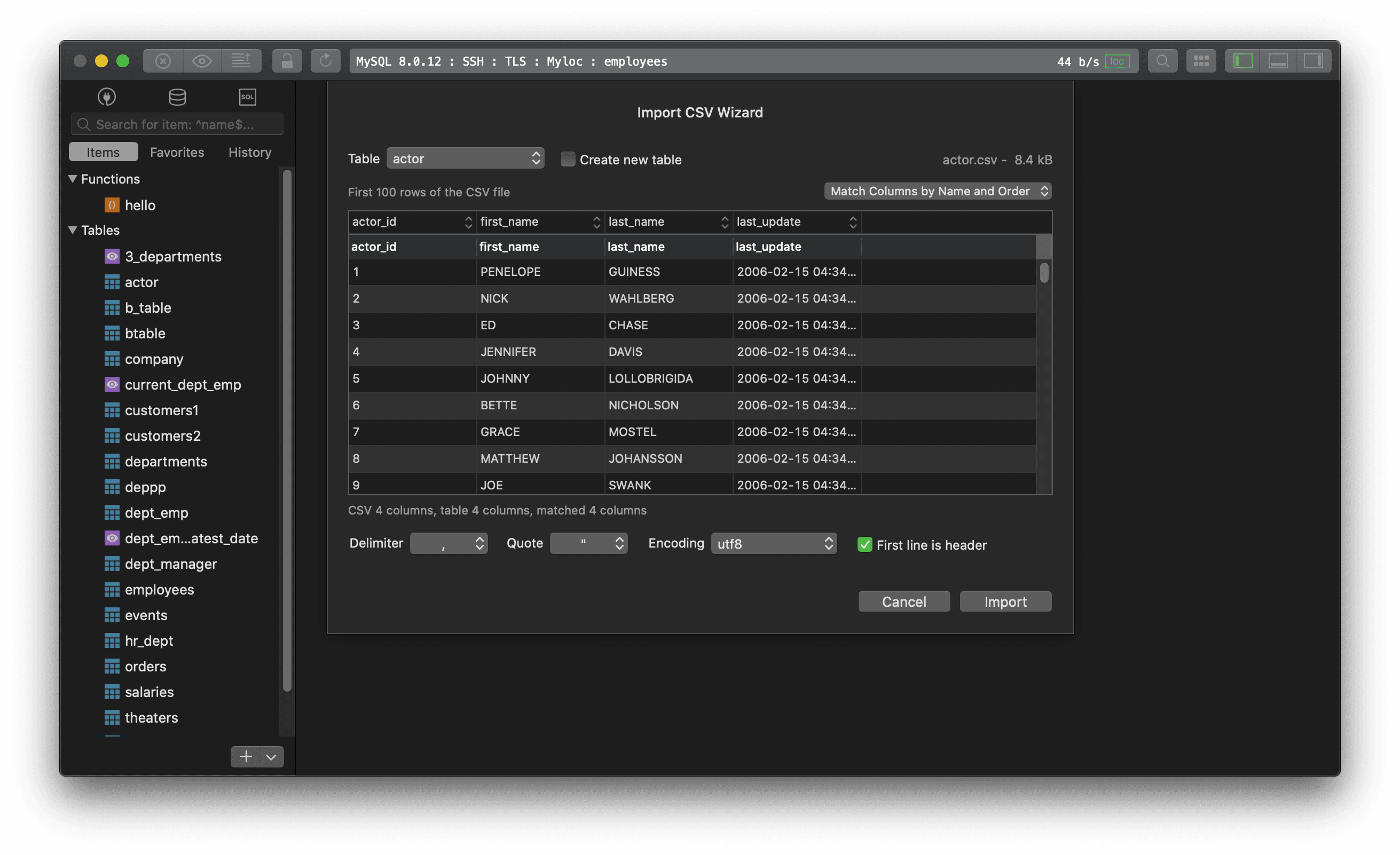
3. Using TablePlus GUI Tool
- Right-Click on the table name from the left sidebar
- Choose
Import > From CSV... - Choose CSV file
- Review column matching and hit
Import
All done!
*Need a good GUI Tool for MySQL? TablePlus is a modern, native tool with an elegant UI that allows you to simultaneously manage multiple databases such as MySQL, PostgreSQL, SQLite, Microsoft SQL Server and more. *
Not on Mac? Download TablePlus for Windows.
On Linux? Download TablePlus for Linux
Need a quick edit on the go? Download TablePlus for iOS.