If you run into this error with MySQL:
Expression #1 of SELECT list is not in GROUP BY clause and contains nonaggregated column 'db.table.col' which is not functionally dependent on columns in GROUP BY clause; this is incompatible with sql_mode=only_full_group_by
It's likely because you have the ONLY_FULL_GROUP_BY mode enabled. To fix this, you have to disable it.
Run this command:
mysql > SET GLOBAL sql_mode=(SELECT REPLACE(@@sql_mode,'ONLY_FULL_GROUP_BY',''));
Another way to turn it off is to find and modify the config file my.cnf. Usually it's in /etc/my.cnf or /etc/mysql/my.cnf.
First, check the sql_mode by running this query:
SELECT @@sql_mode;
The result should be something similar to this:
ONLY_FULL_GROUP_BY,STRICT_TRANS_TABLES,NO_ZERO_IN_DATE,NO_ZERO_DATE,ERROR_FOR_DIVISION_BY_ZERO,NO_ENGINE_SUBSTITUTION
Copy the sql_mode values, remove ONLY_FULL_GROUP_BY, edit my.cnf and put the rest together in a line under [mysqld] section:
sql_mode=STRICT_TRANS_TABLES,NO_ZERO_IN_DATE,NO_ZERO_DATE,ERROR_FOR_DIVISION_BY_ZERO,NO_ENGINE_SUBSTITUTION
Then restart the mysql server.
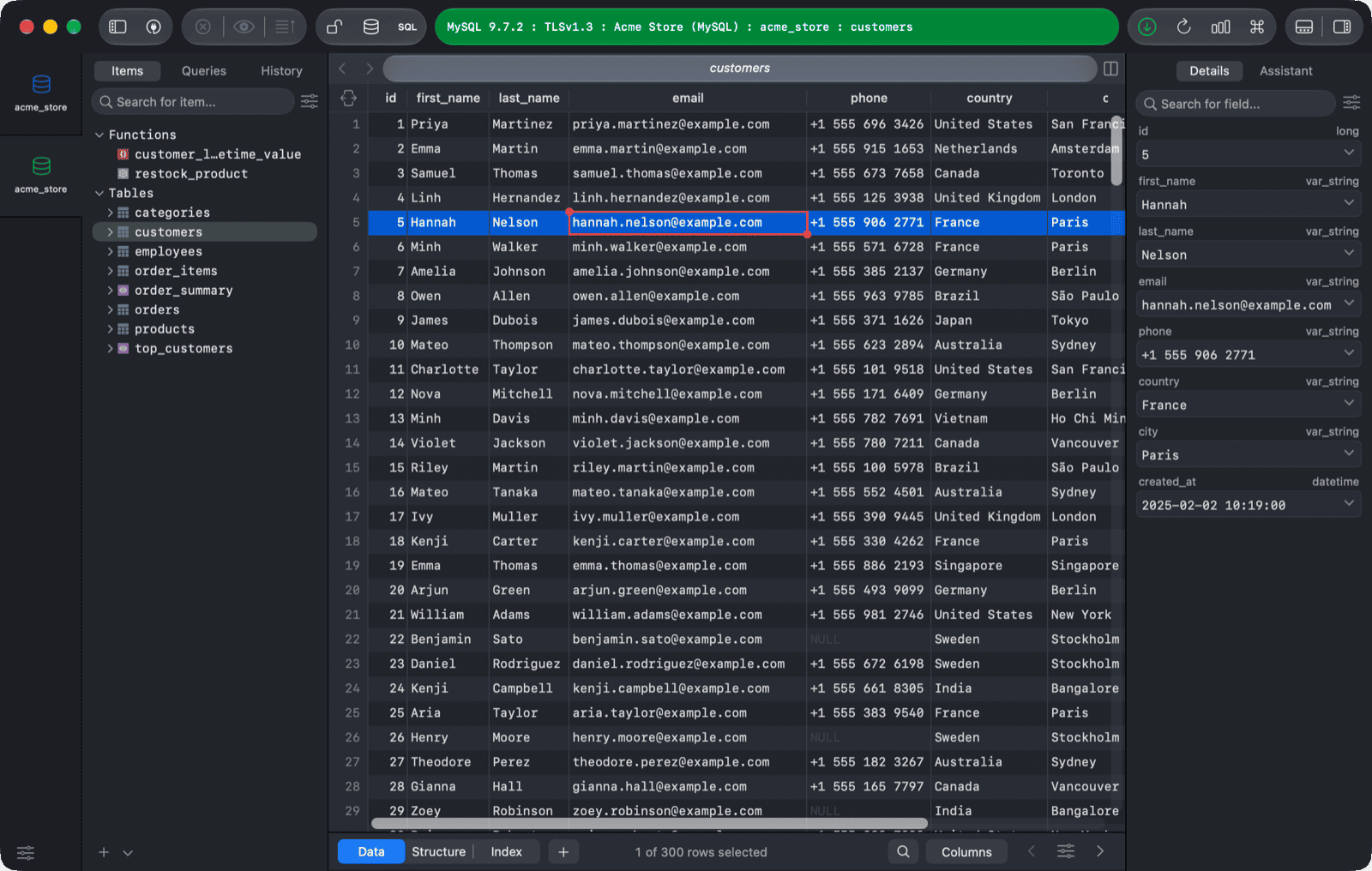
*Need a good GUI Tool for MySQL? TablePlus is a modern, native tool with an elegant UI that allows you to simultaneously manage multiple databases such as MySQL, PostgreSQL, SQLite, Microsoft SQL Server and more. *
Not on Mac? Download TablePlus for Windows.
On Linux? Download TablePlus for Linux
Need a quick edit on the go? Download TablePlus for iOS.