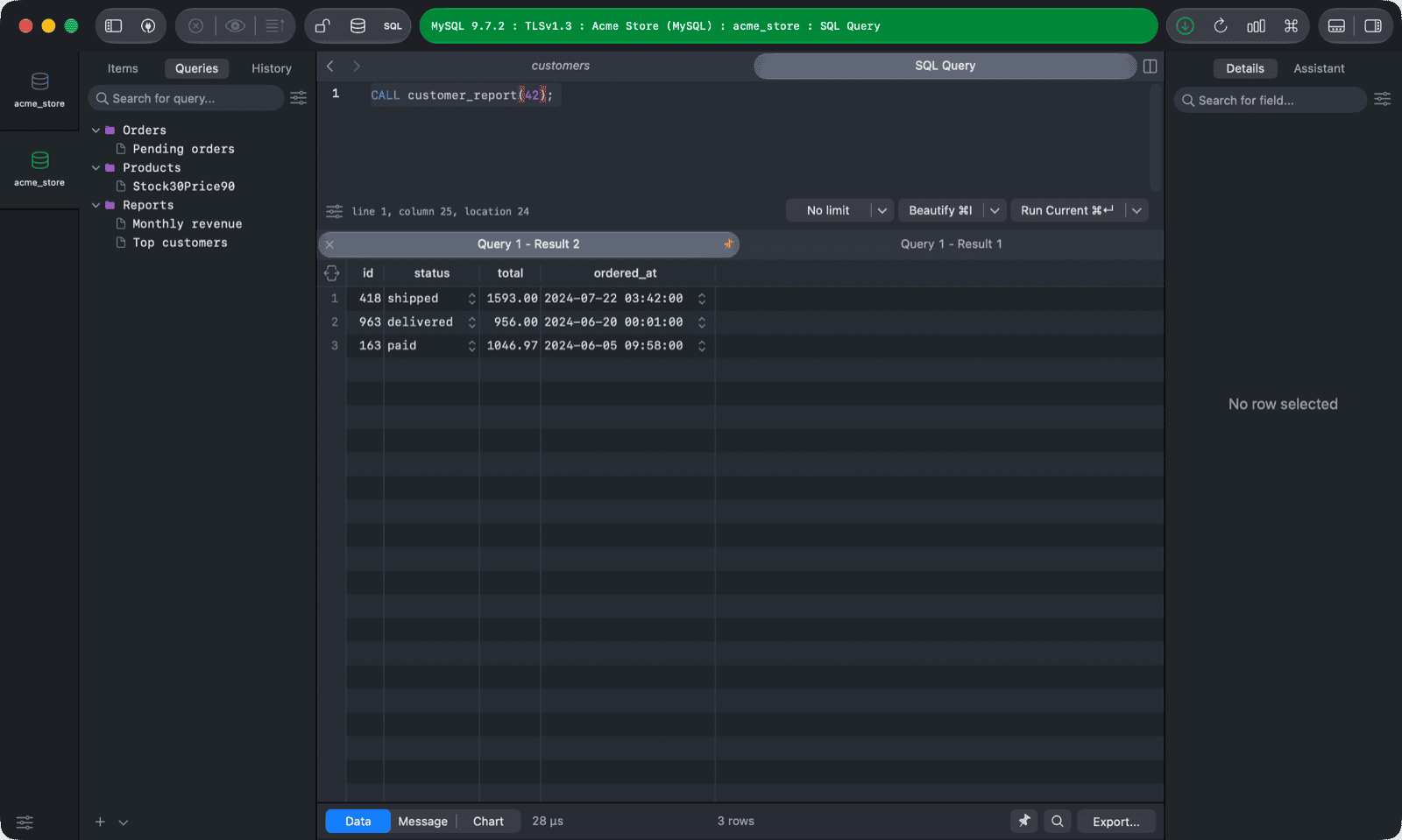
There are a couple ways to show multiple sets of query results simultaneously in TablePlus:
1. Split pane
You can split the current SQL Query Editor into many different editors and they work separately.
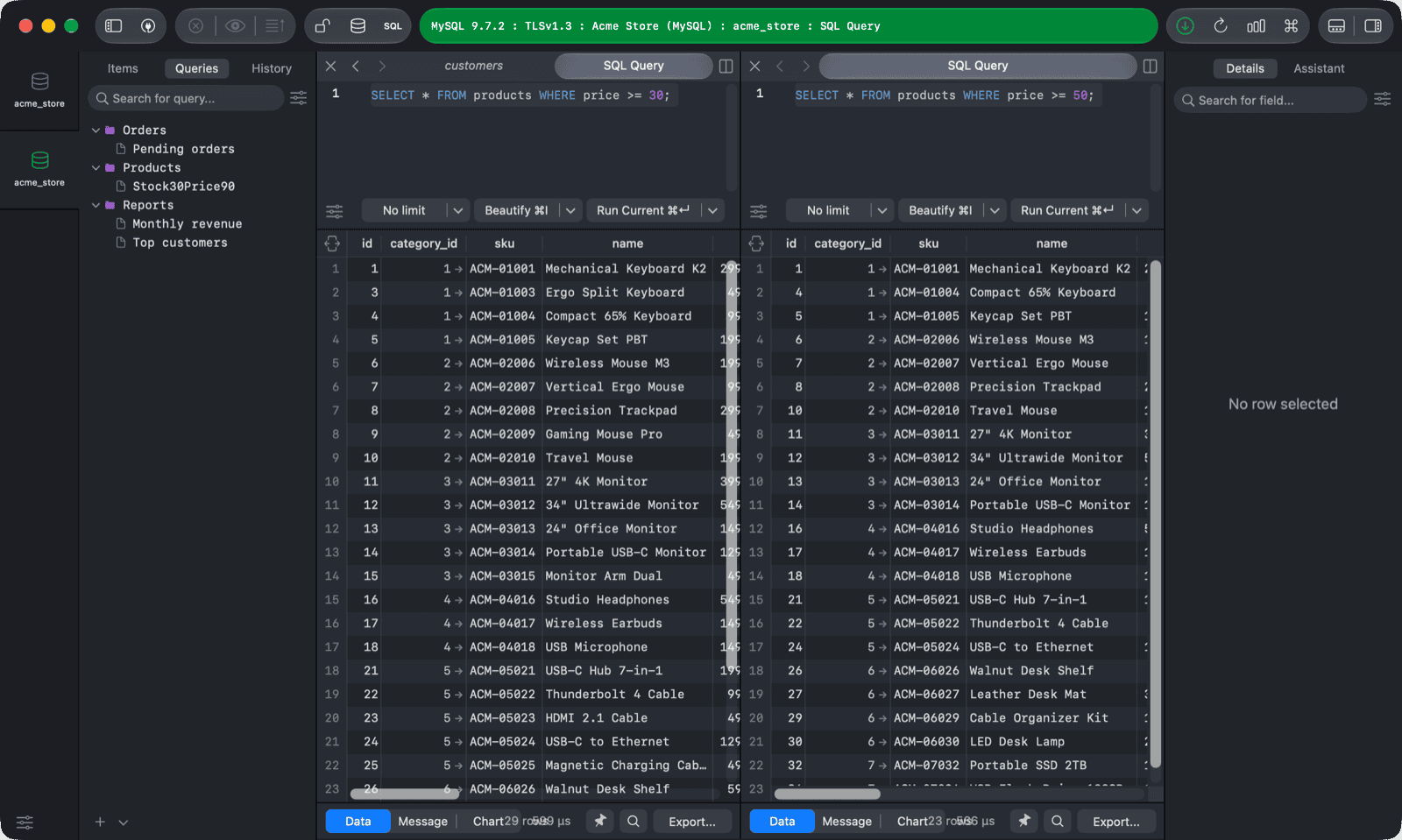
To split pane, right click on the current editor and choose Split pane Down, or Split pane Right (shortcut key Cmd + Shift + D).
2. Split results into tabs
When you have more than one query to run at the same time from the same SQL Editor, this feature will create multiple different tabs to display each result set separately.
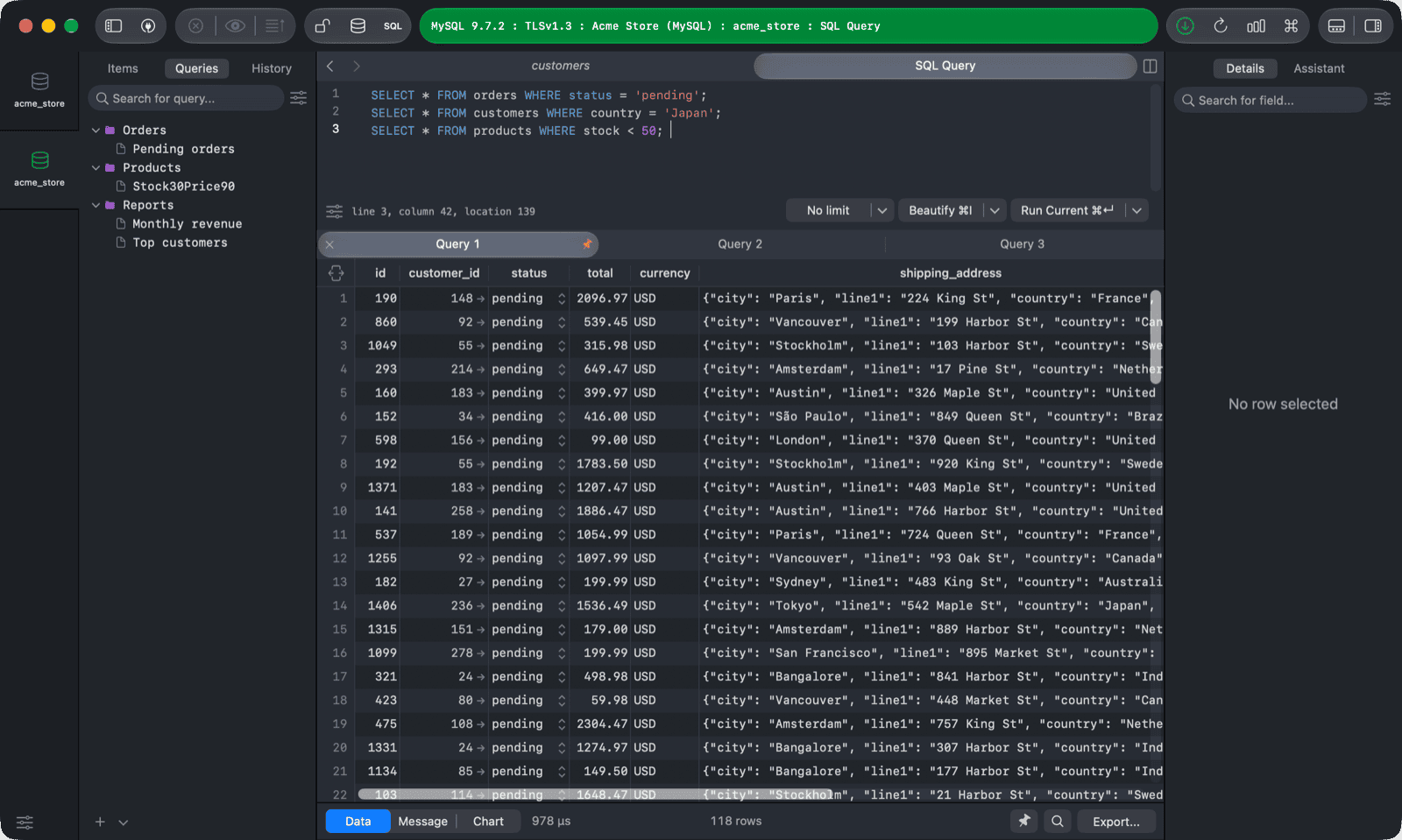
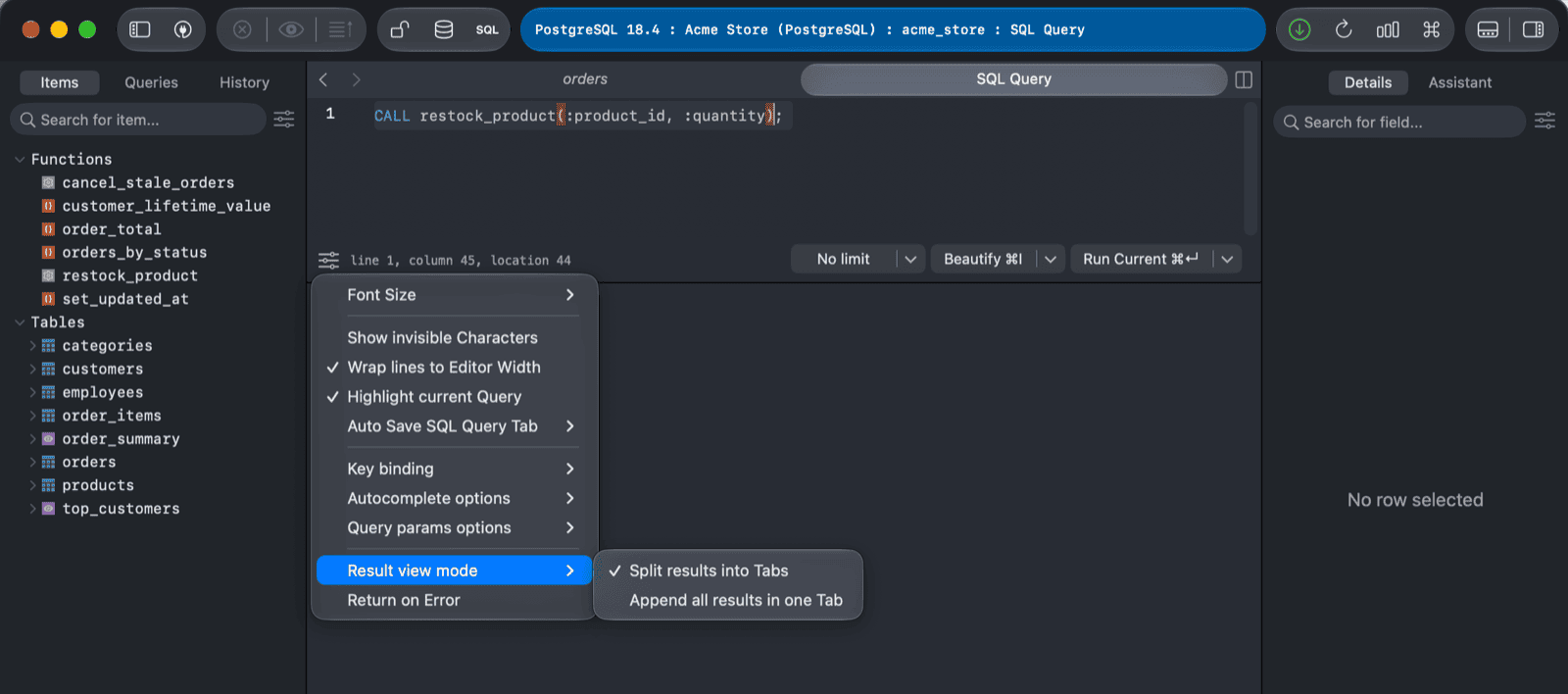
You have to make sure it's enabled using the setting at the bottom left of the Query Editor (Result view mode > Split results into Tabs).
3. Multiple results procedure
You can show multiple sets of results separately when running a procedure with multiple select statements.
The order of the result sets will follow the order of the select statements.