Keymap
Settings > Keymap (⌘ + ,) lets you change the shortcut keys of common actions.1
To change a shortcut:
- Click the shortcut next to the action. It changes to Type shortcut….
- Press the new key combination.
To remove a shortcut, click it and press Delete. It then shows Not Set. To stop without changing it, press Escape. To go back to the default, click Reset next to the shortcut, or click Restore Defaults at the bottom to reset all of them.
A shortcut needs ⌘ or ⌃, unless it is a function key. TablePlus doesn't accept a shortcut that another command or menu item already uses.
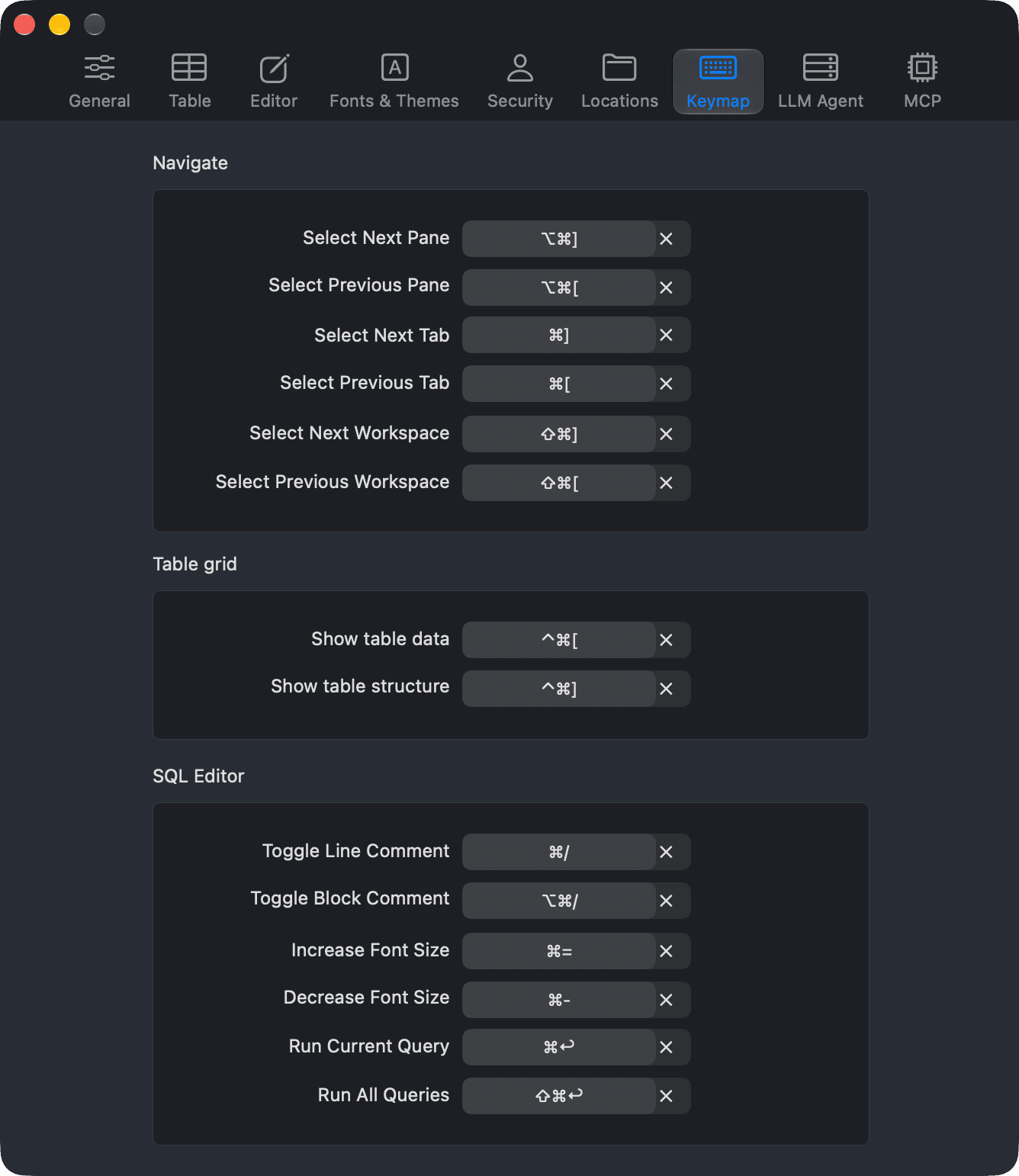
Navigate
| Action | Default shortcut |
|---|---|
| Select Next Pane | ⌥ + ⌘ + ] |
| Select Previous Pane | ⌥ + ⌘ + [ |
| Select Next Tab | ⌘ + ] |
| Select Previous Tab | ⌘ + [ |
| Select Next Workspace | ⌘ + Shift + ] |
| Select Previous Workspace | ⌘ + Shift + [ |
Table grid
| Action | Default shortcut |
|---|---|
| Show table data | ⌃ + ⌘ + [ |
| Show table structure | ⌃ + ⌘ + ] |
SQL Editor
| Action | Default shortcut |
|---|---|
| Toggle Line Comment | ⌘ + / |
| Toggle Block Comment | ⌥ + ⌘ + / |
| Increase Font Size | ⌘ + = |
| Decrease Font Size | ⌘ + - |
| Run Current Query | ⌘ + Return |
| Run All Queries | ⌘ + Shift + Return |
For the full list of shortcuts, see Shortcut Keys.
-
On Windows and Linux, use
Ctrl + ,. ↩︎