Streaming Results & Async Loading
TablePlus doesn't wait for a query to finish before it shows the results. As soon as the first rows arrive, they appear in the result table, and more rows are added as they load.
Loading runs in the background, so the window doesn't freeze. You can scroll the rows that have already arrived, switch tabs or keep writing queries while a long query is still loading.
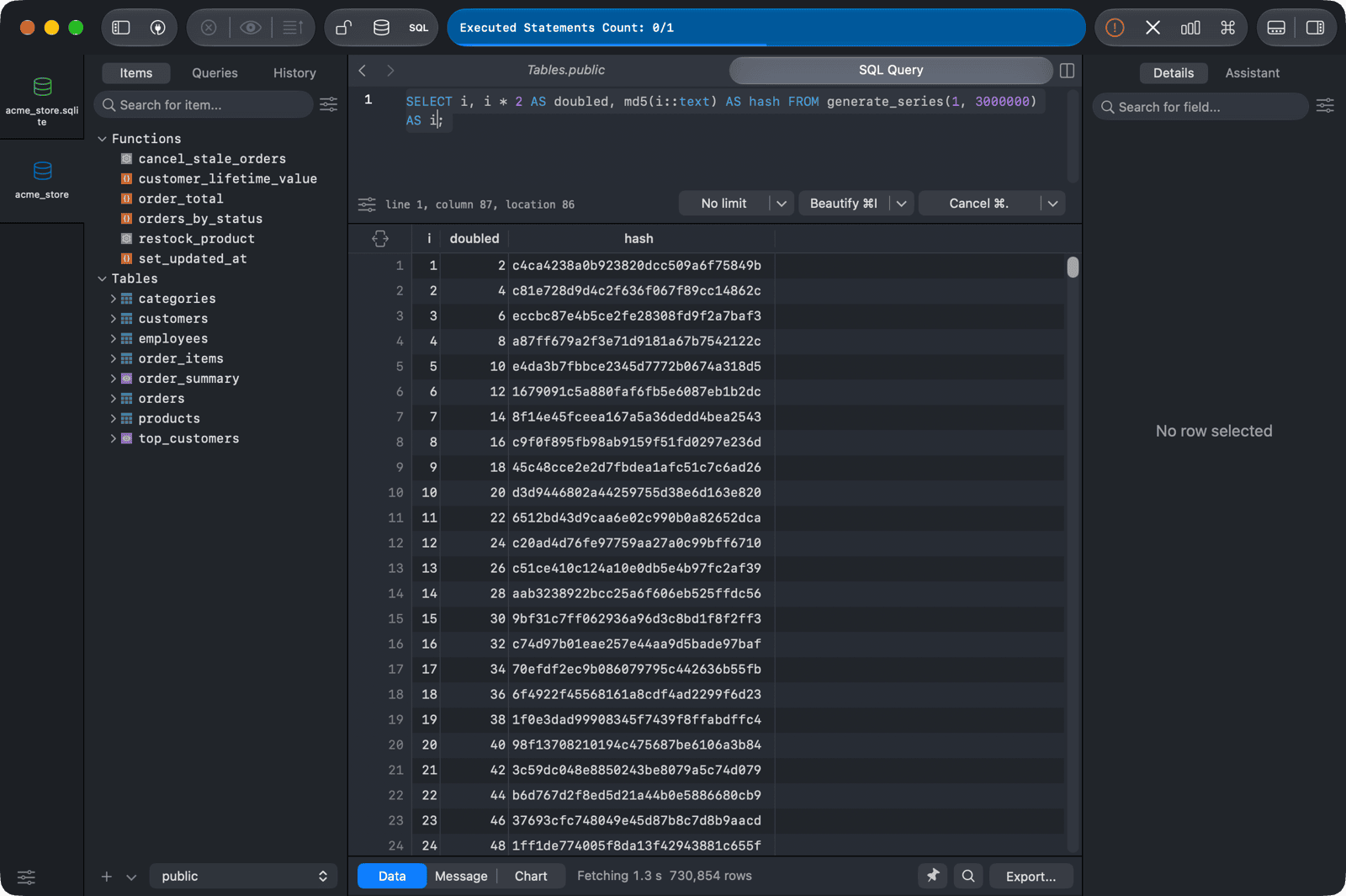
To stop a query that takes too long, click Cancel on the run bar. See Editor Basics.
To keep a large result from loading more rows than you need, set a row limit with the limit menu next to the run button. See Editor Basics.
For drivers that return results in pages, such as BigQuery, TablePlus loads the first page and shows a Load more button to fetch the next one.