Procedure
Stored procedures are listed together with functions in the Functions section of the left sidebar. They are available for databases that support them, such as PostgreSQL, MySQL, MariaDB, and SQL Server; SQLite has no procedures. Changes are kept locally until you press ⌘ + S1 to commit them to the server.
Create procedure
- Right-click the left sidebar and choose New > Function/Procedure, or click the arrow next to the + button at the bottom of the left sidebar and choose New Function/Procedure.
- Write the
CREATE PROCEDUREstatement in the editor. - Press
⌘ + Sto create the procedure.
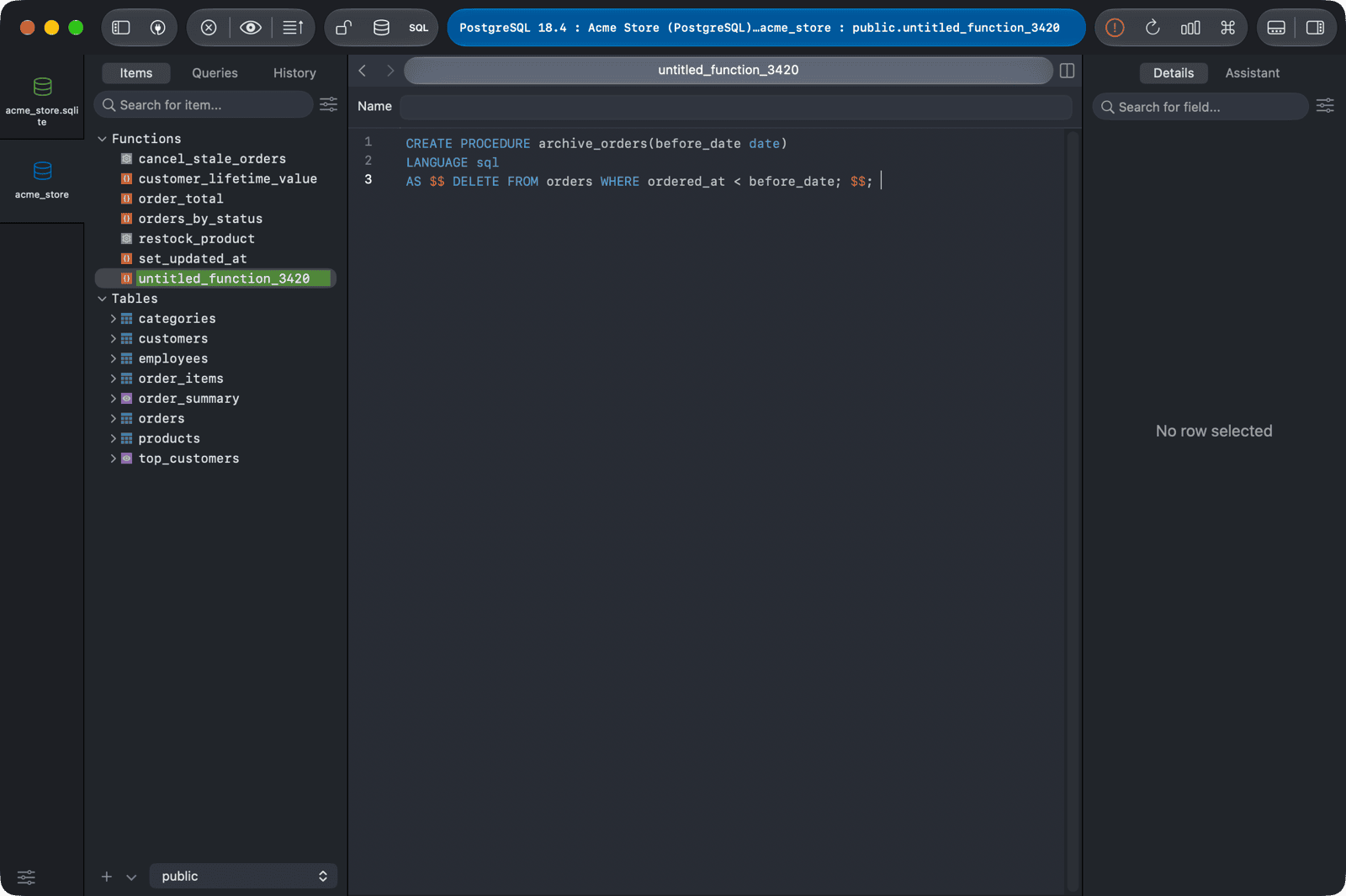
Edit procedure
- Click the procedure in the left sidebar to open its definition.
- Edit the SQL code.
- Press
⌘ + Sto commit the change.
Delete procedure
- Right-click the procedure in the left sidebar and choose Delete..., or select it and press
Delete. - Press
⌘ + Sto commit the change.
-
On Windows and Linux, use
Ctrl + S. ↩︎