View
Views are listed with tables in the Tables section of the left sidebar. Like a table, a view has three tabs at the bottom of the window: Data for its rows, Structure for its columns, and DDL for the SQL that defines it. Changes are kept locally until you press ⌘ + S1 to commit them to the server.
Create view
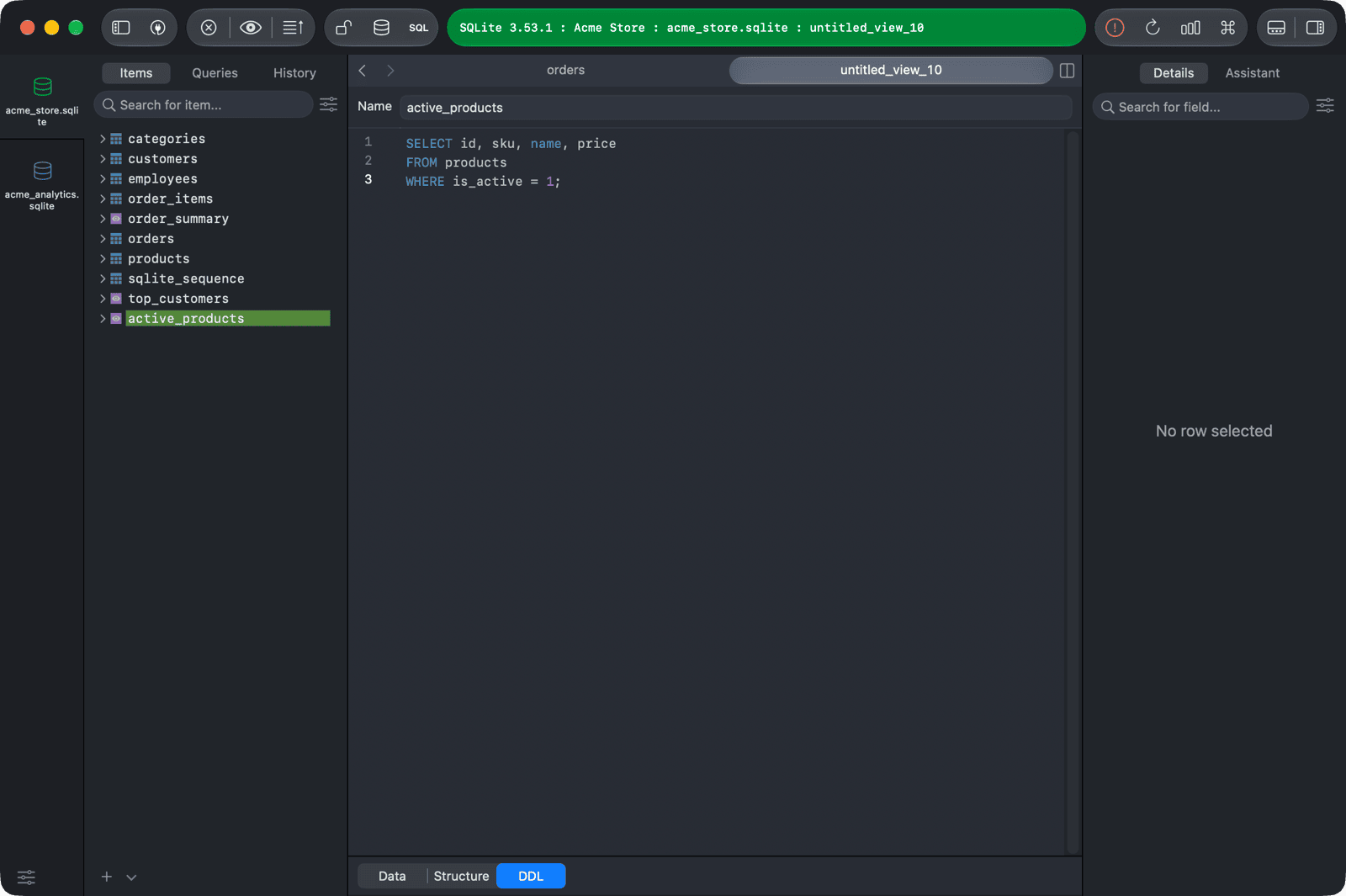
- Right-click the left sidebar and choose New > View, or click the arrow next to the + button at the bottom of the left sidebar and choose New View.
- Enter the view name in the Name field.
- Write the view's
SELECTstatement in the DDL editor. - Press
⌘ + Sto create the view.
For PostgreSQL, Redshift, and Cassandra, you can also choose New > Materialized View.
Edit view
- Open the view from the left sidebar.
- Click DDL at the bottom of the window.
- Edit the SQL code of the view. To rename the view, enter a new name in the Name field.
- Press
⌘ + Sto commit the change.
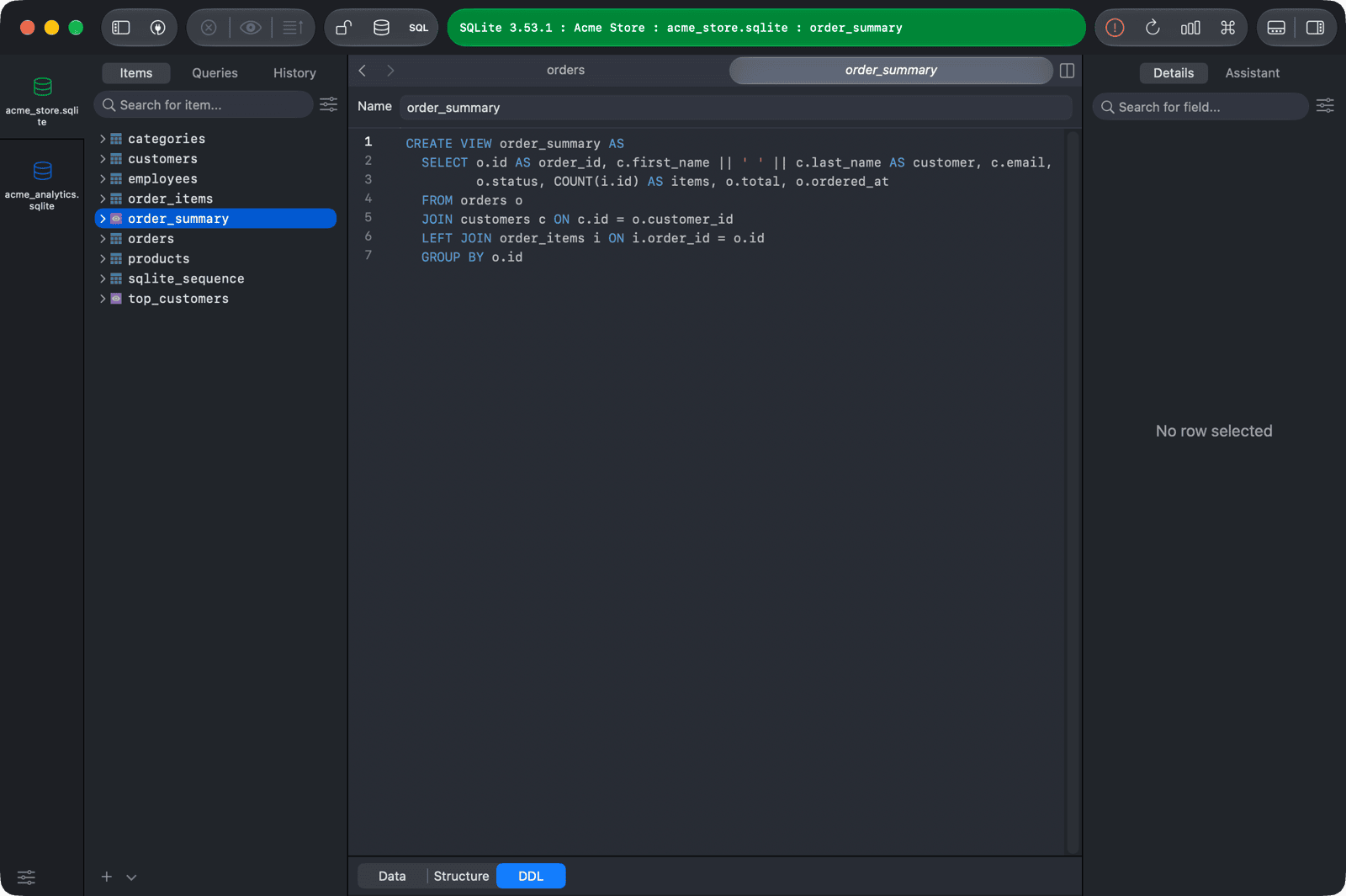
To see the view's columns, click Structure at the bottom of the window, or press ⌃ + ⌘ + ].
Materialized views can't be edited. Their DDL tab is read-only.
Delete view
- Right-click the view in the left sidebar and choose Delete..., or select it and press
Delete. - Press
⌘ + Sto commit the change.
-
On Windows and Linux, use
Ctrl + S. ↩︎