Commit changes
Changes you make in the GUI take effect only after you commit them to the server. Until then, they are pending and you can still review or discard them. Queries you run in the SQL Editor are sent to the server directly and don't need to be committed.
To commit your changes, click the Commit button (the right part of the Discard / Preview / Commit control in the toolbar), press ⌘ + S, or choose Edit > Commit.1
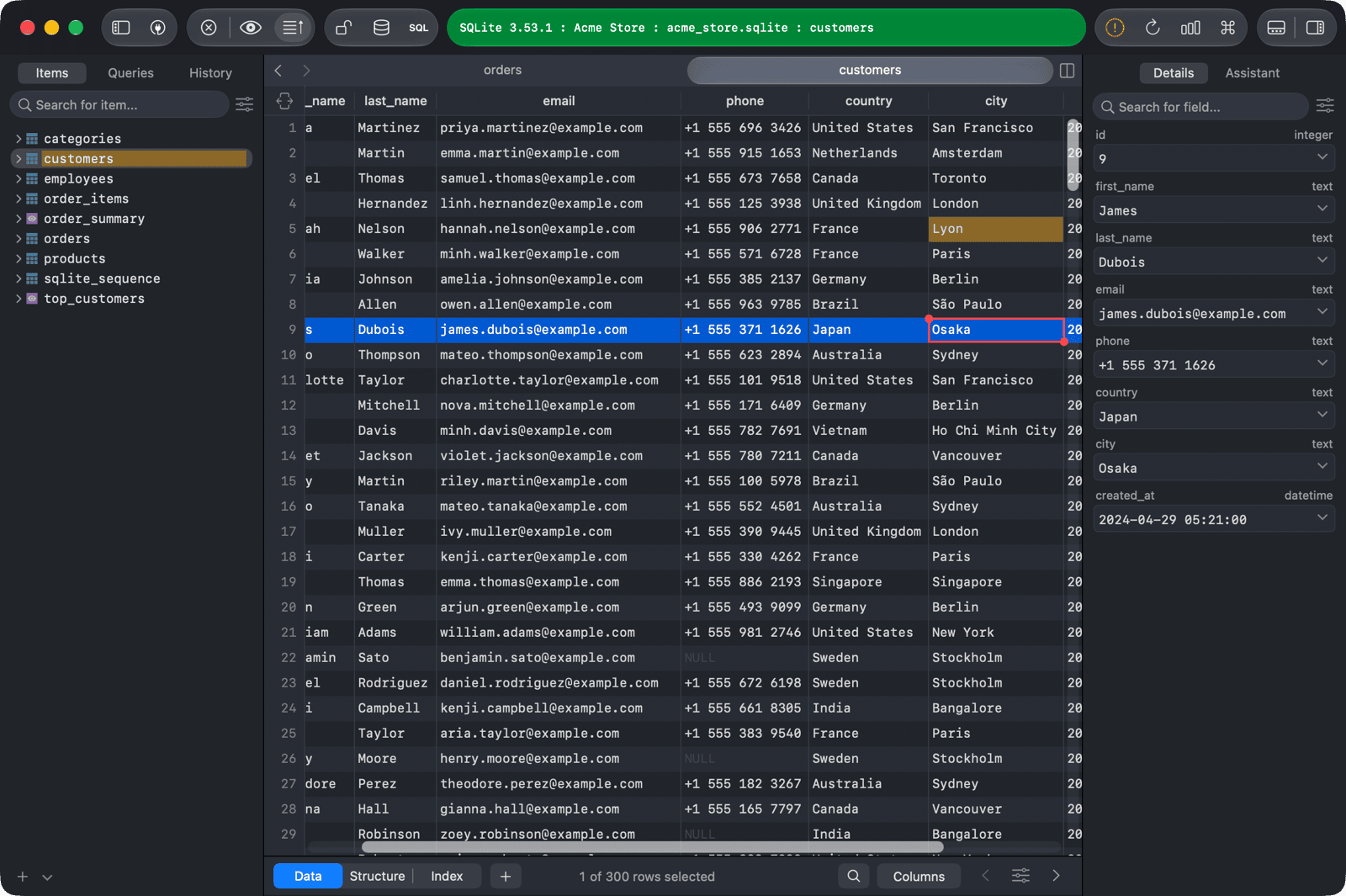
If the connection uses an Alert Mode or a Safe Mode level, TablePlus asks you to confirm, or to enter the password, before it sends the statements. See Safe mode.
When there are no pending changes and a SQL Editor tab is active,
⌘ + Ssaves the query instead.
-
On Windows and Linux, use
Ctrl + S. ↩︎