Discard changes
If you change your mind before committing, you can throw away all the pending changes you made in the GUI. Queries you already ran in the SQL Editor were sent to the server directly and can't be discarded.
To discard uncommitted changes, click the Discard button (the left part of the Discard / Preview / Commit control in the toolbar), press ⌘ + Shift + Delete, or choose Edit > Discard.
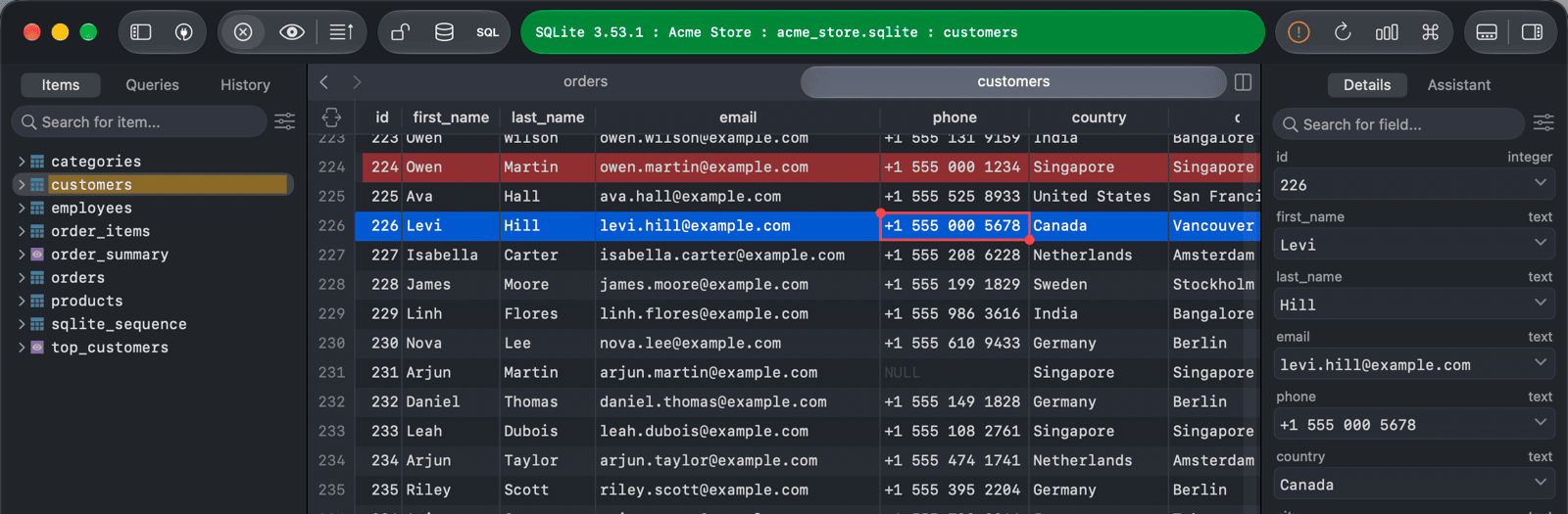
TablePlus reloads the current tab, so you see the data as it is on the server. Discarding also clears the undo history, so you can't bring the discarded changes back with ⌘ + Z.