Console Log
The console log, at the bottom of the workspace window, records every query that TablePlus sends to the server, including the queries it runs for you in the background, each with a timestamp.
To show or hide the console log, press ⌃ + ⌘ + C, click the left part of the Panels button in the toolbar, or choose View > Toggle sidebars > Toggle Bottom Sidebar.
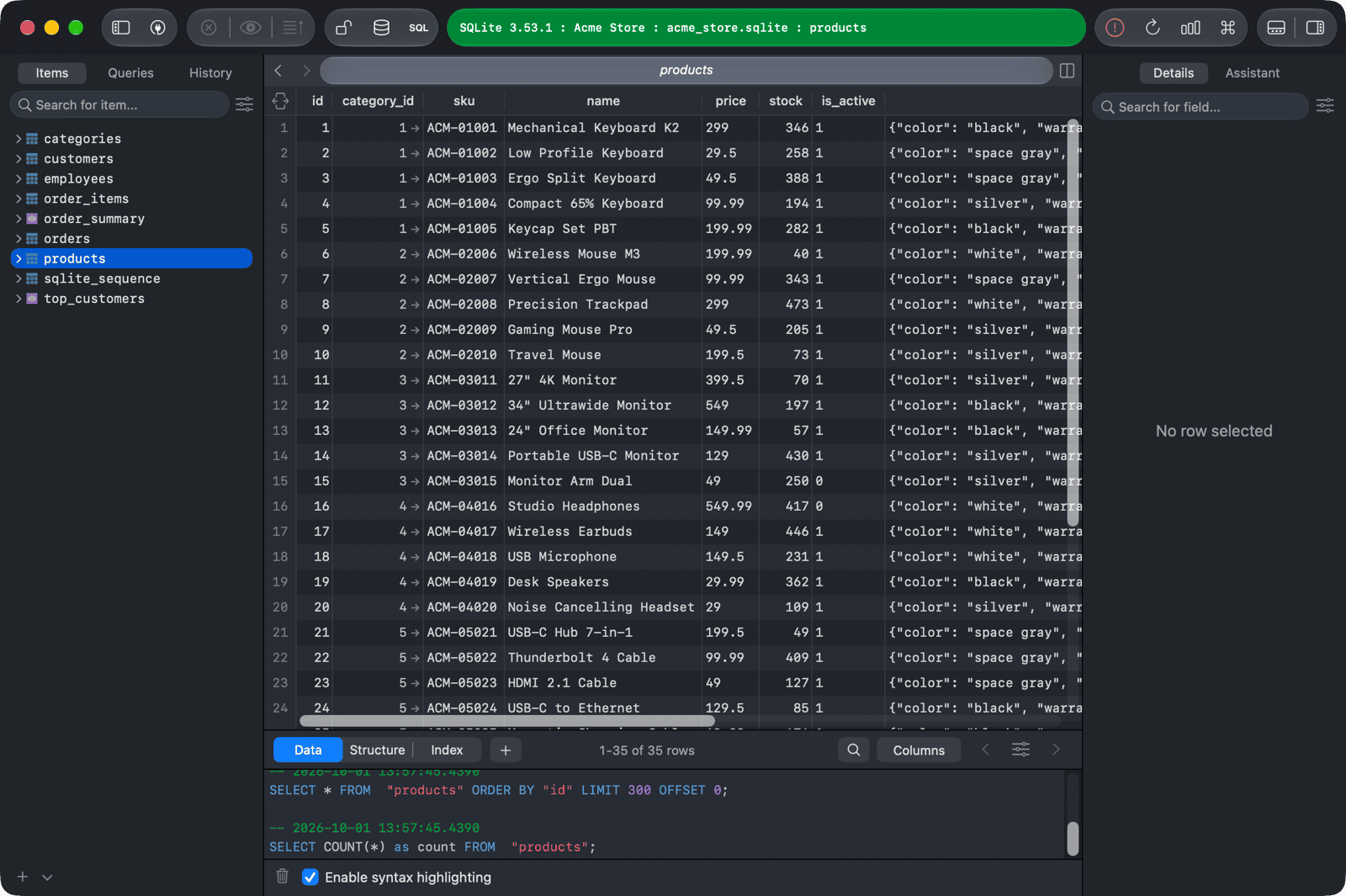
- Check Enable syntax highlighting to color the SQL in the log.
- Click the Clear the console button to empty the log.
The console keeps the latest 1,000 entries. Very large queries are replaced by a short note instead of the full text.