Query Editor
Use the SQL Editor to write and run SQL queries.
To open a new SQL Editor tab, click the SQL File button in the toolbar, or press ⌘ + E. You can also press ⌘ + T: by default a new tab opens a SQL Editor.
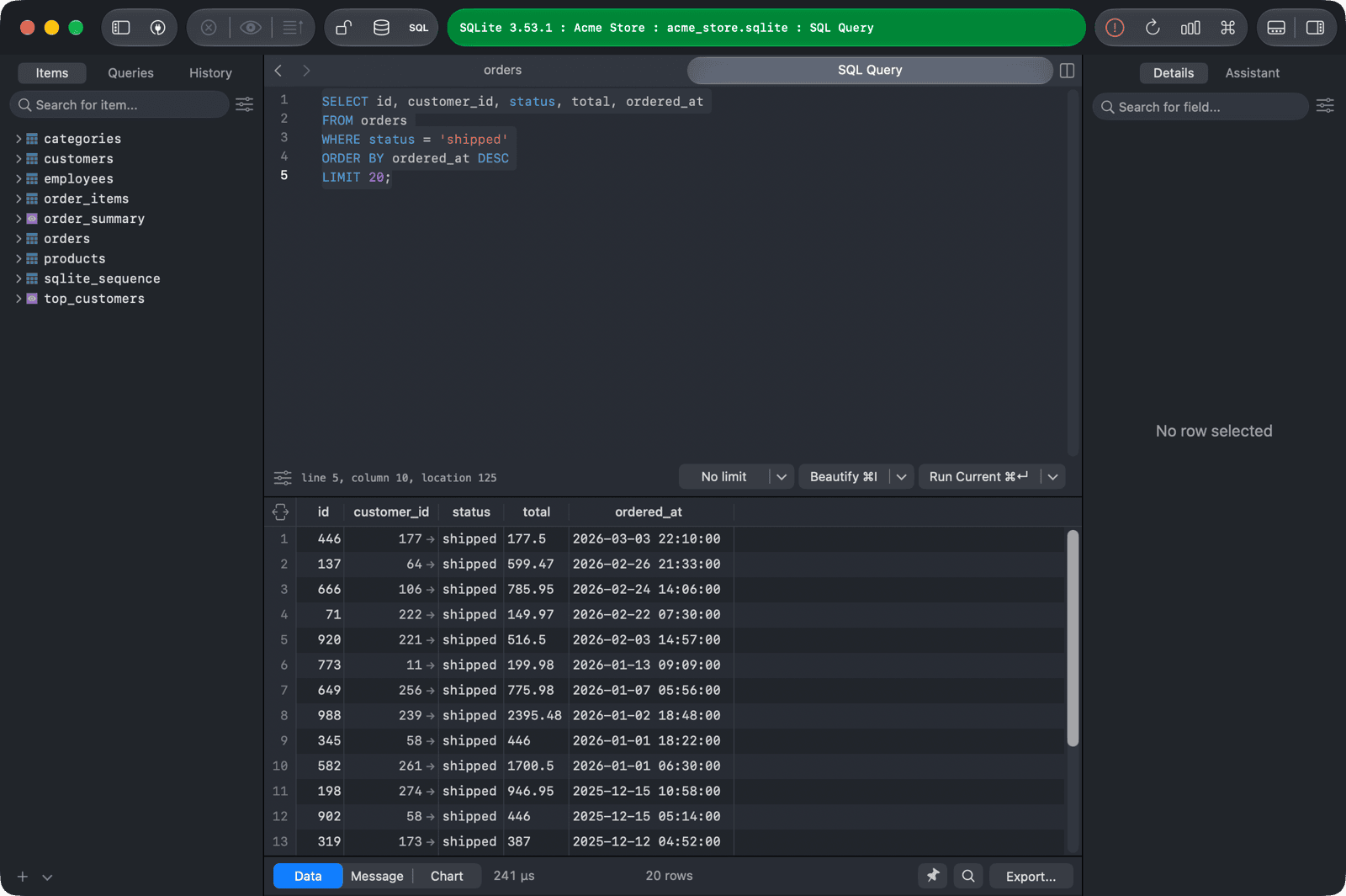
Press ⌘ + Return to run the current query, or ⌘ + Shift + Return to run all queries in the editor.
For more information, see Editor Basics.