Quick Look
Quick Look opens a cell in a larger popover. Use it to read long text, view and edit JSON in a readable format, or preview binary (BLOB) data such as images and PDFs.
Open Quick Look
- Select a cell and press
⌘ + Return. - Or click the cell with the middle mouse button.
- Or right-click a cell and choose Quick Look Editor. For binary columns, click the arrow at the right of the cell, or select the cell and press
⌥ + Return, to open its quick edit menu, which also has Save as..., Add a file..., and Edit hex....
Press Esc to close the popover.
JSON values
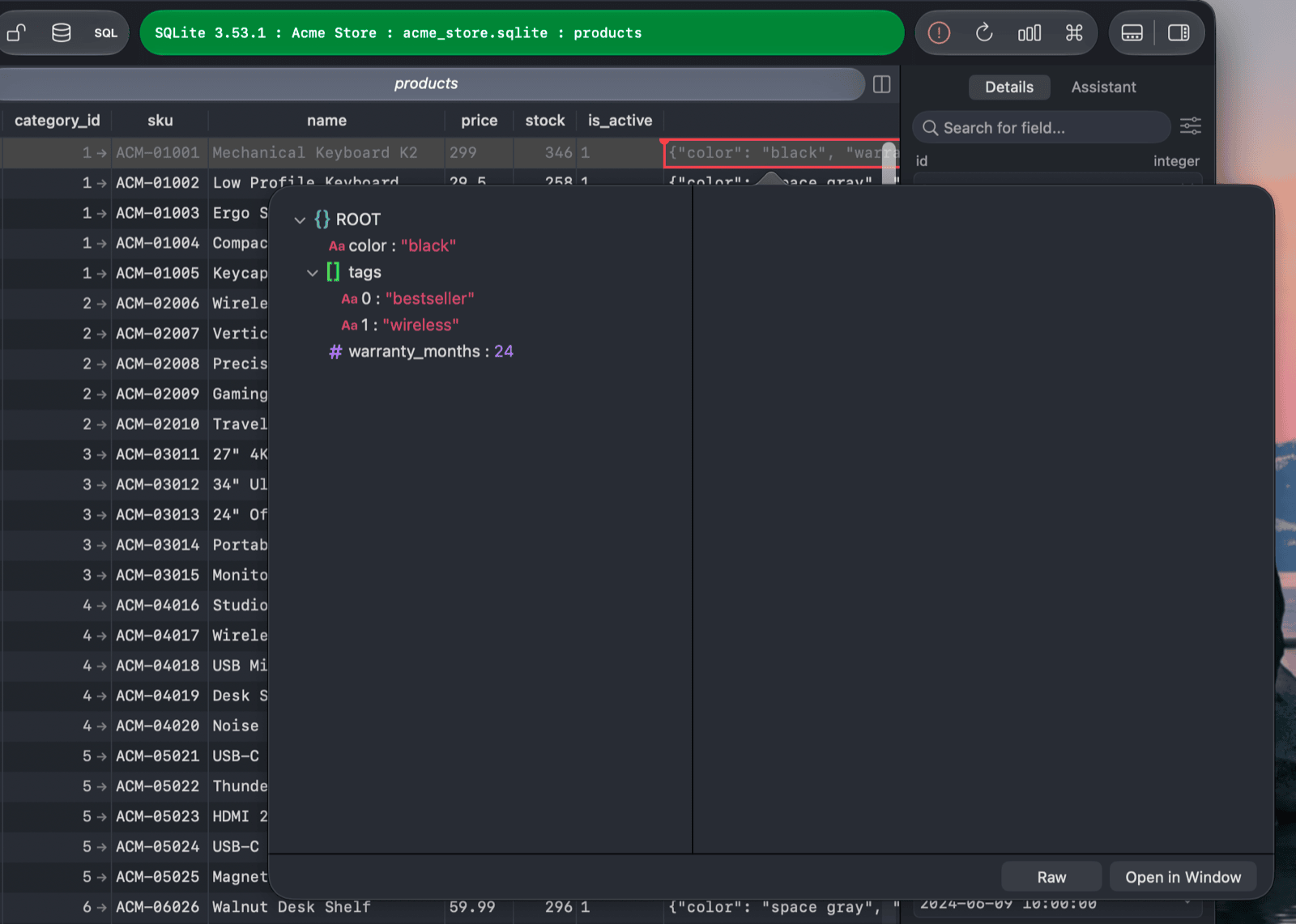
When the cell holds JSON, Quick Look opens the JSON editor. Switch between Raw (the text) and Tree (a collapsible key/value view), and use PRETTY or MINIFY to reformat the text.
Images, files, and other values
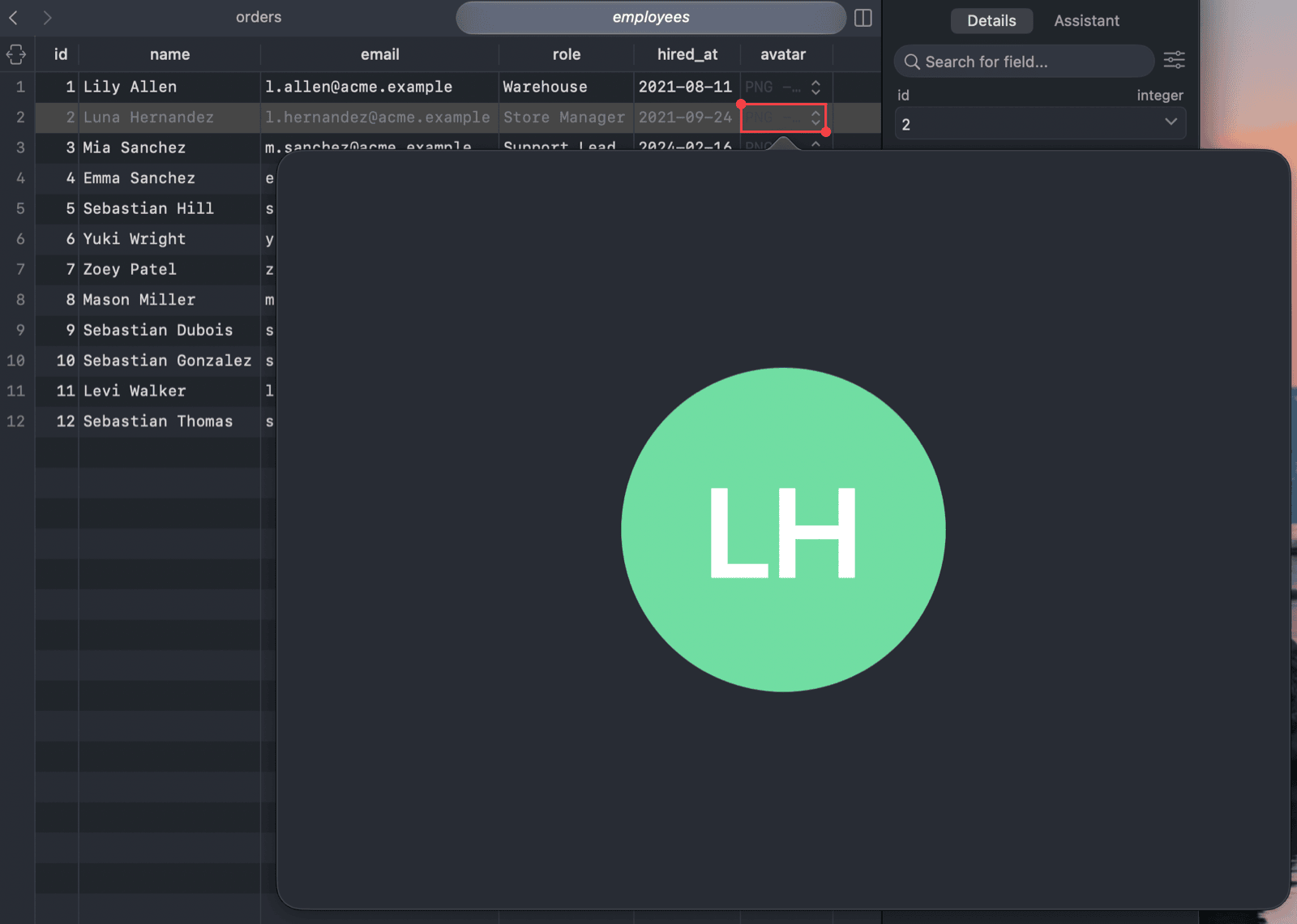
For other values, Quick Look shows the content in the most suitable way: text, an image, or a PDF. Spatial values can be shown on a map with Map; click Raw to go back to the raw value.
Open in a window
Click Open in Window to move the value into a separate, resizable window. It is handy when you want to keep the value open while you work in the table.